
Create
resume
with AI
Rezume.org.ua is a job search service with a free AI resume builder. Pick a template, fill in a simple form and download a watermark-free PDF in 5–10 minutes.
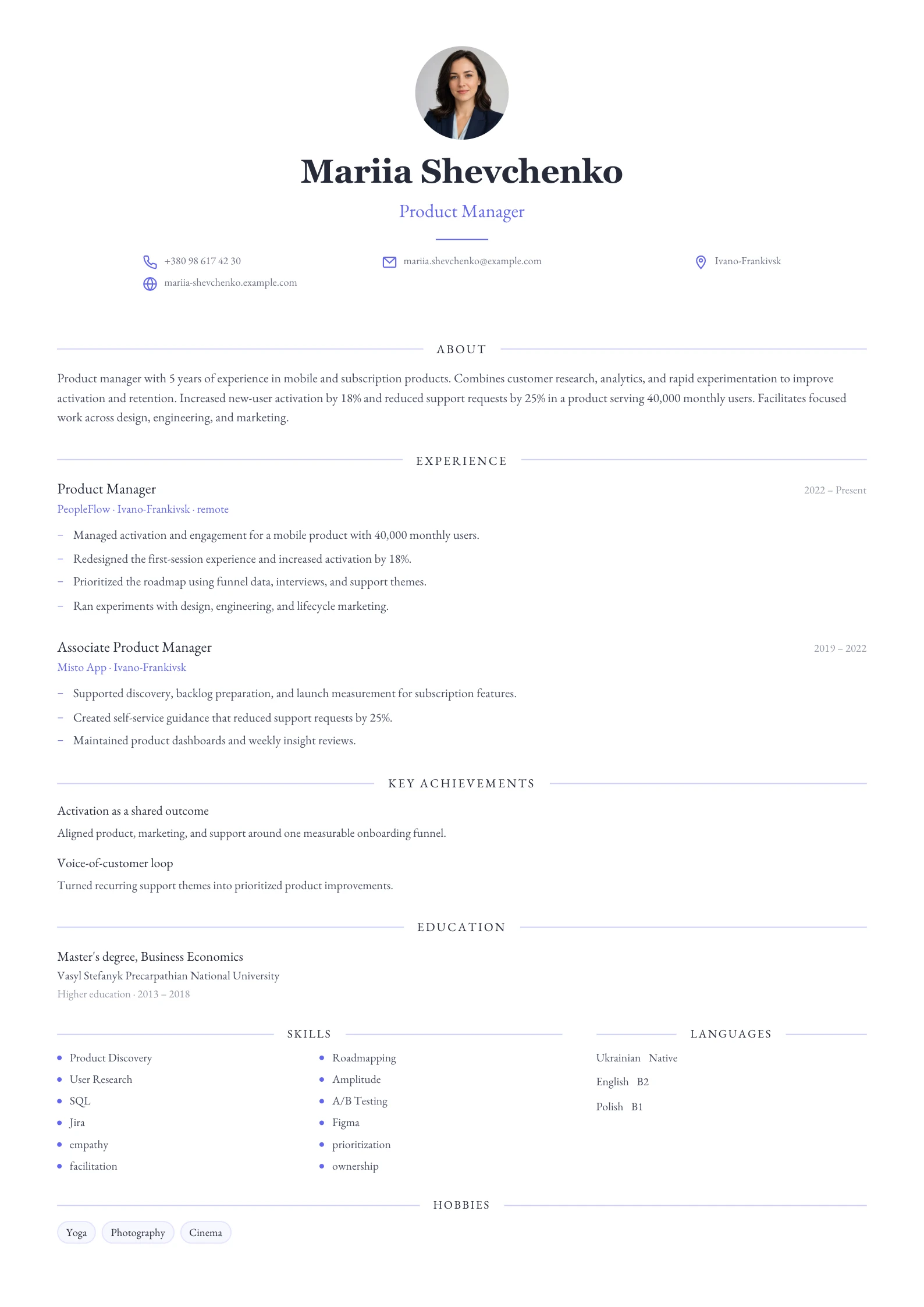
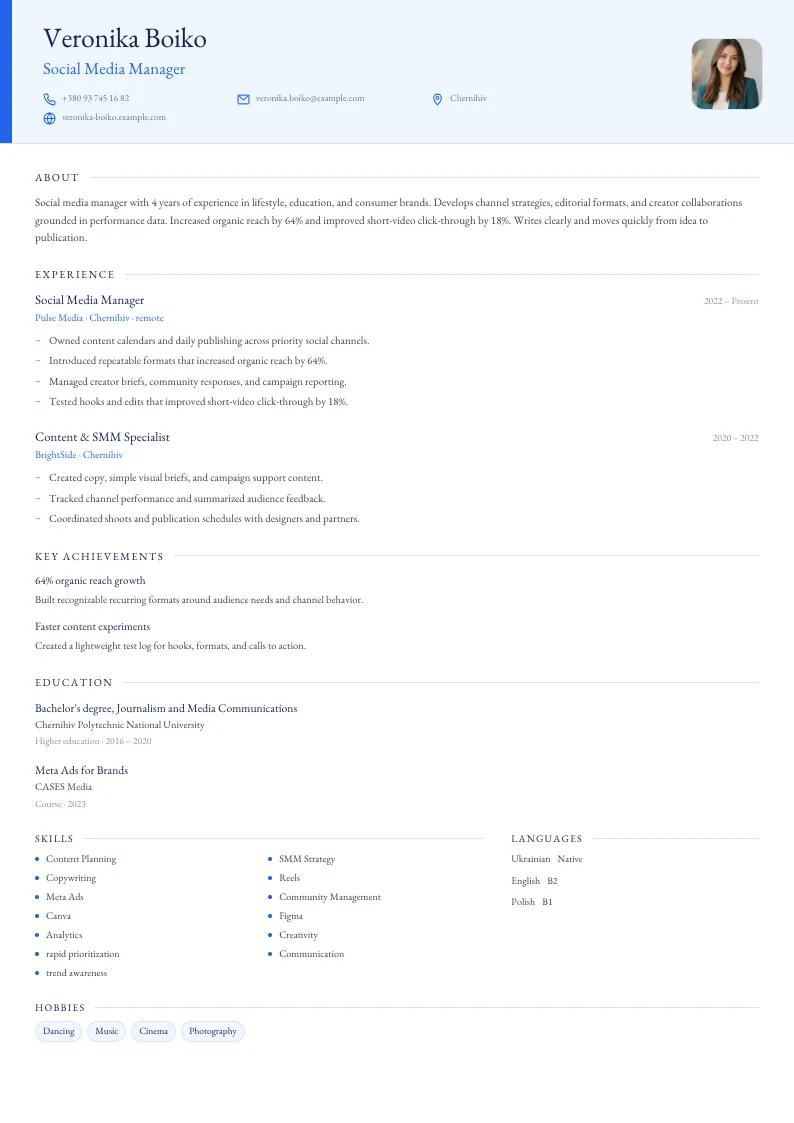
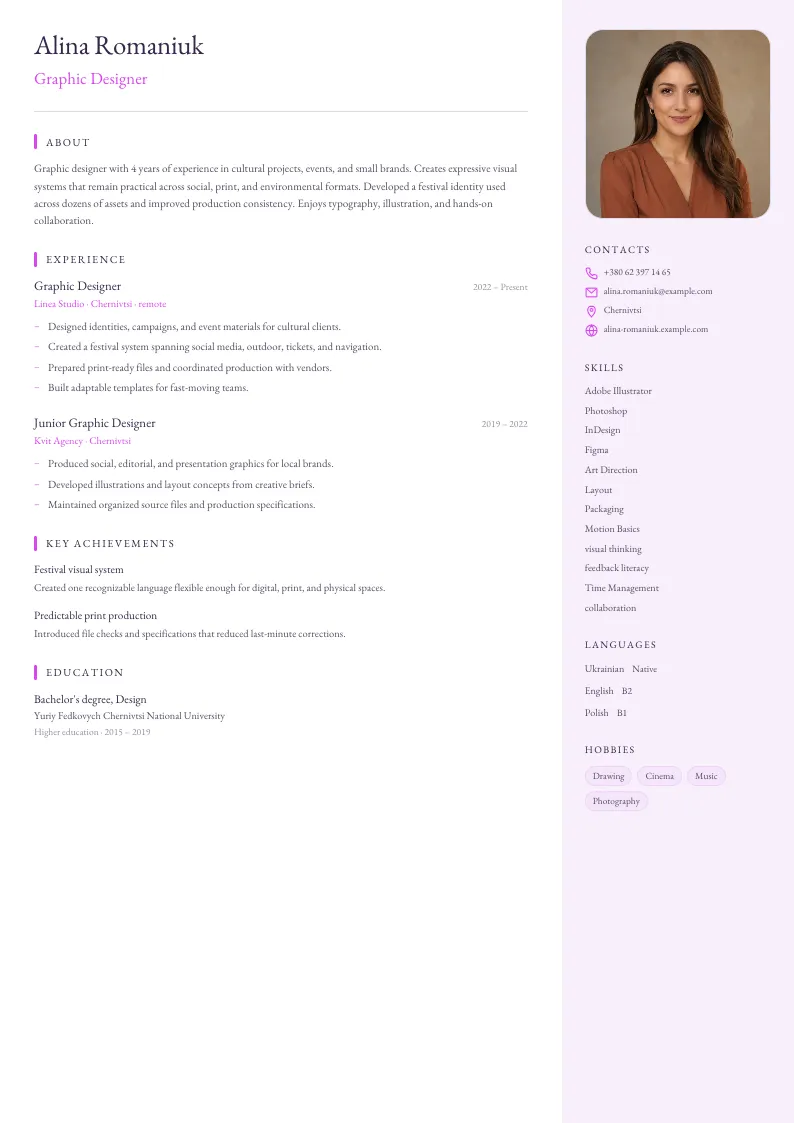
Which resume template should you choose for your role?
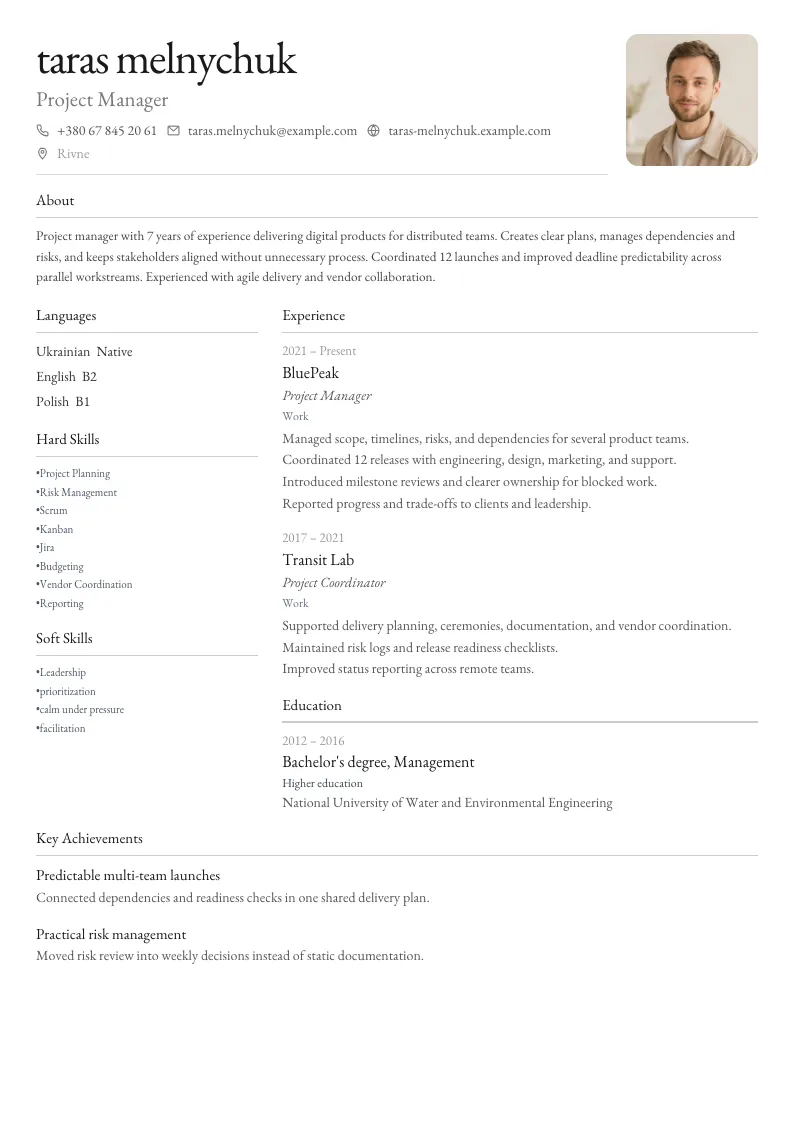
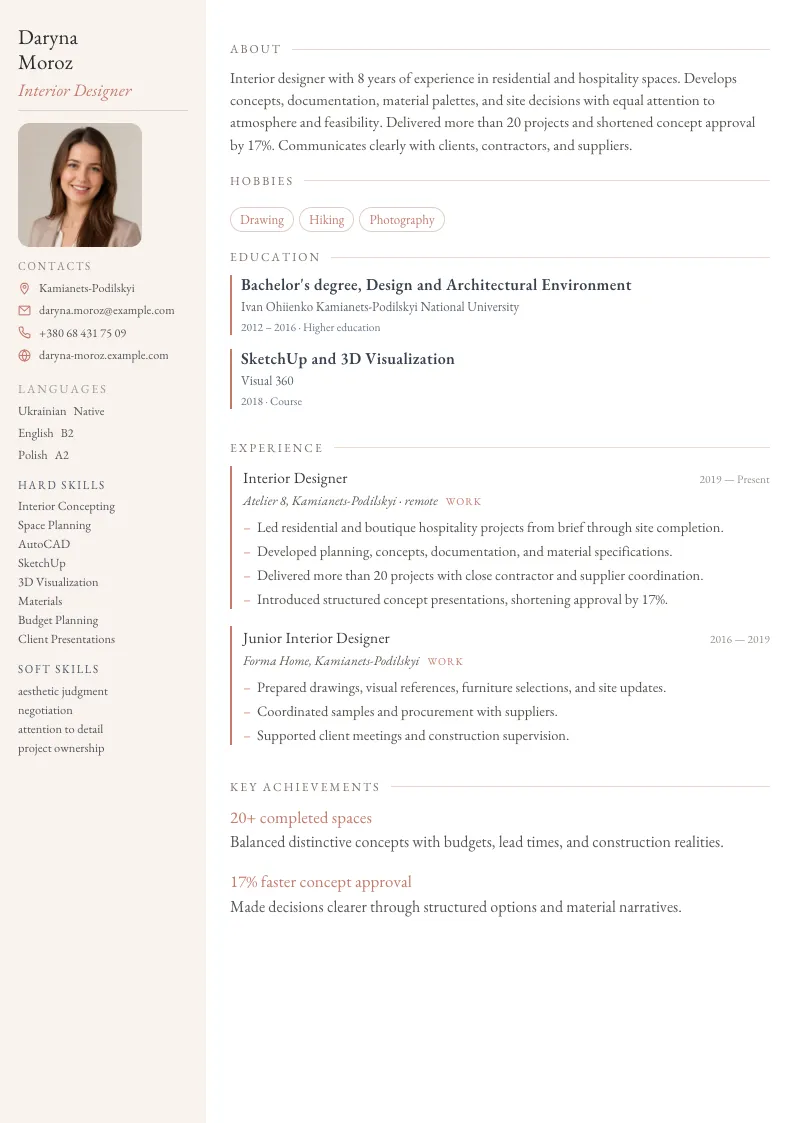
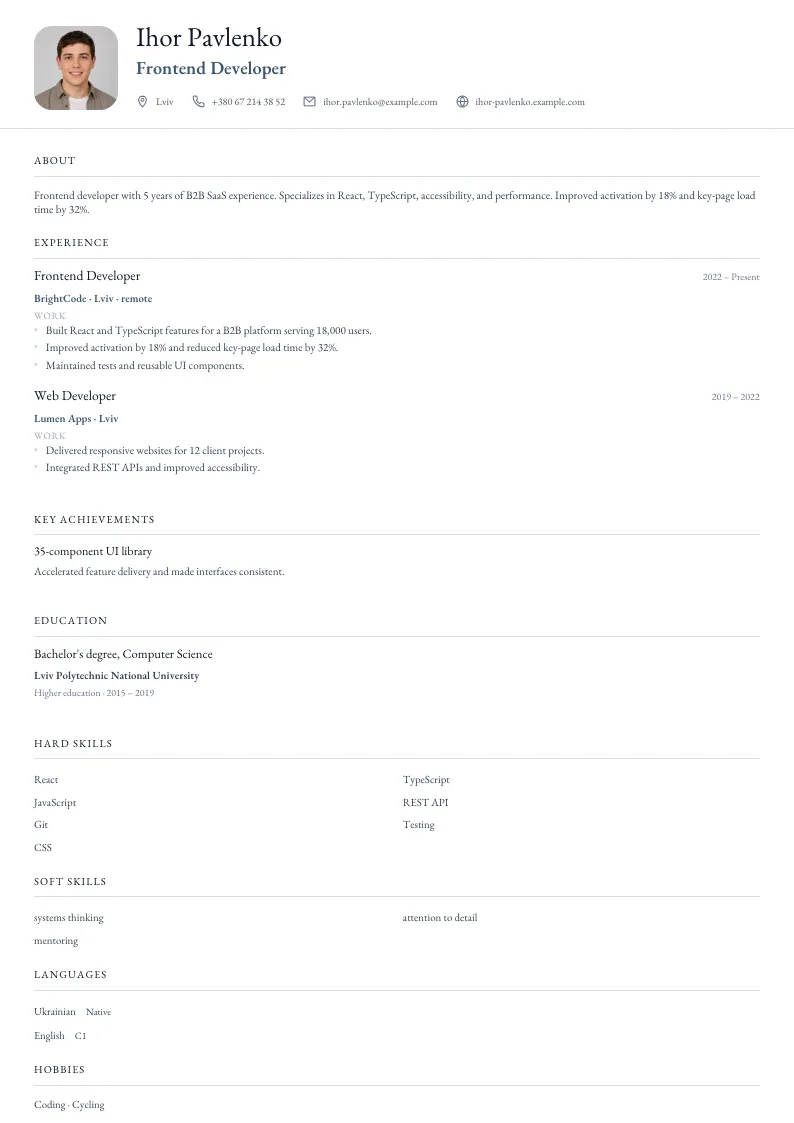
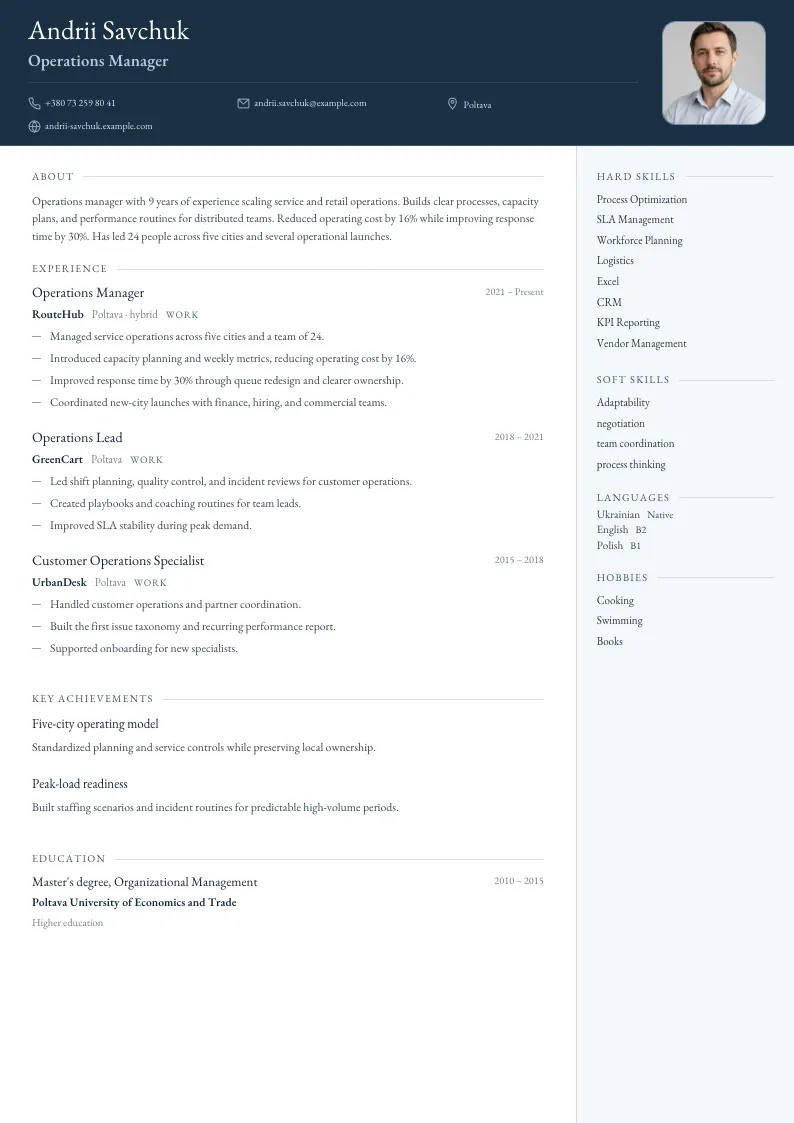
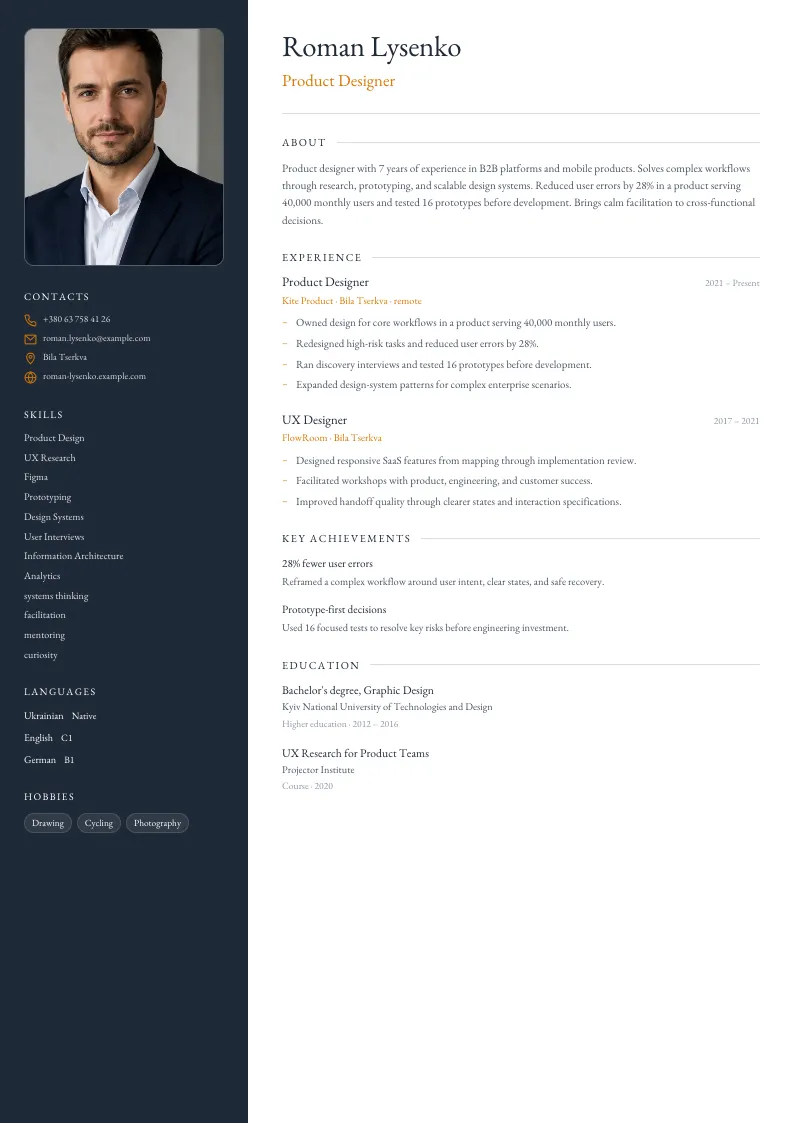
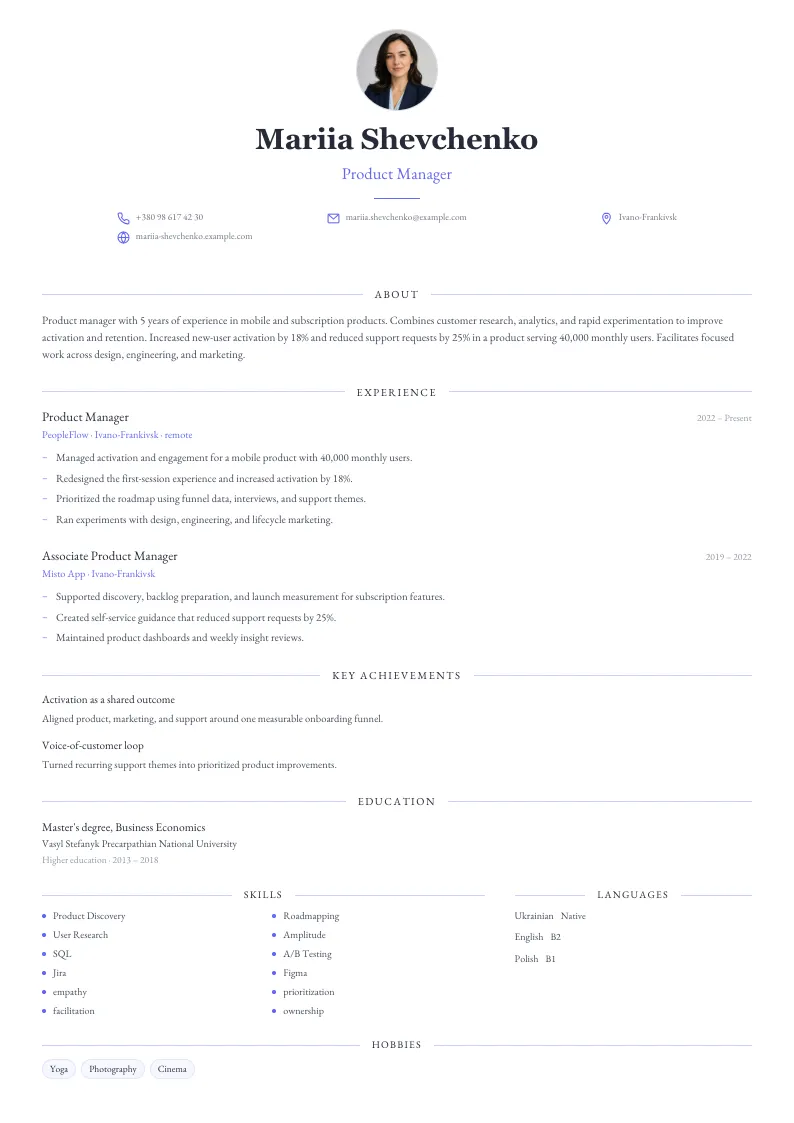
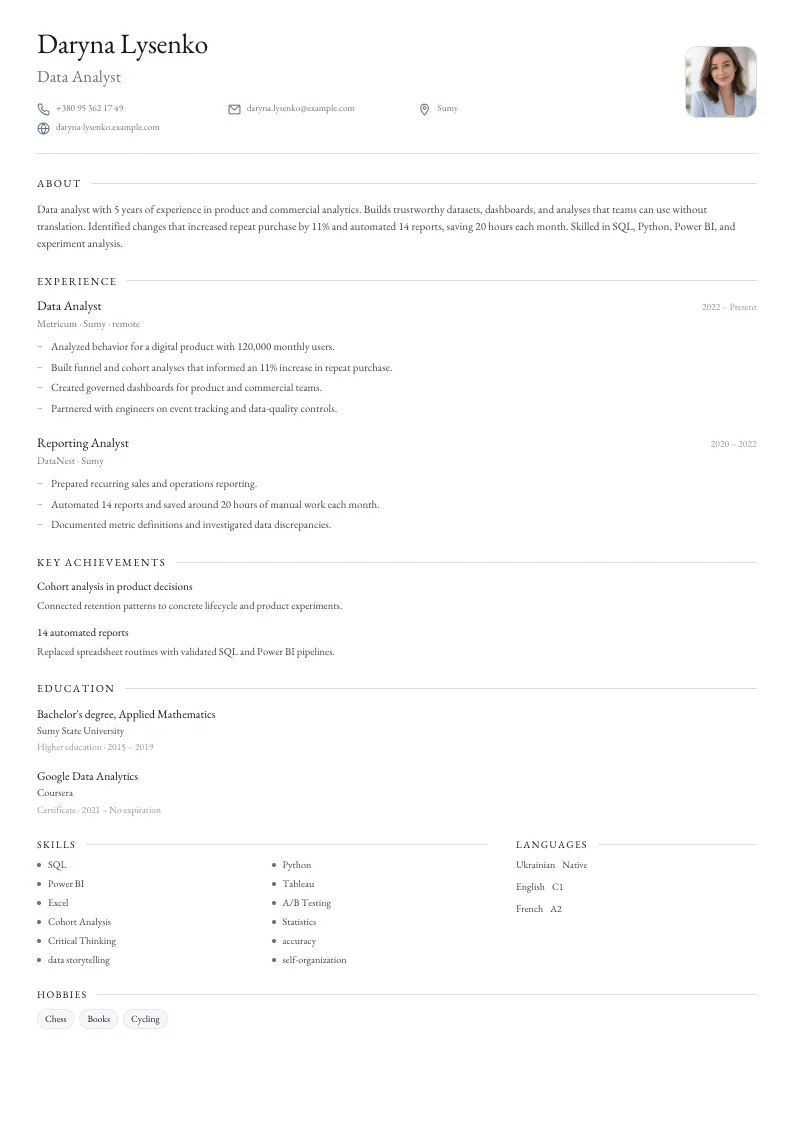
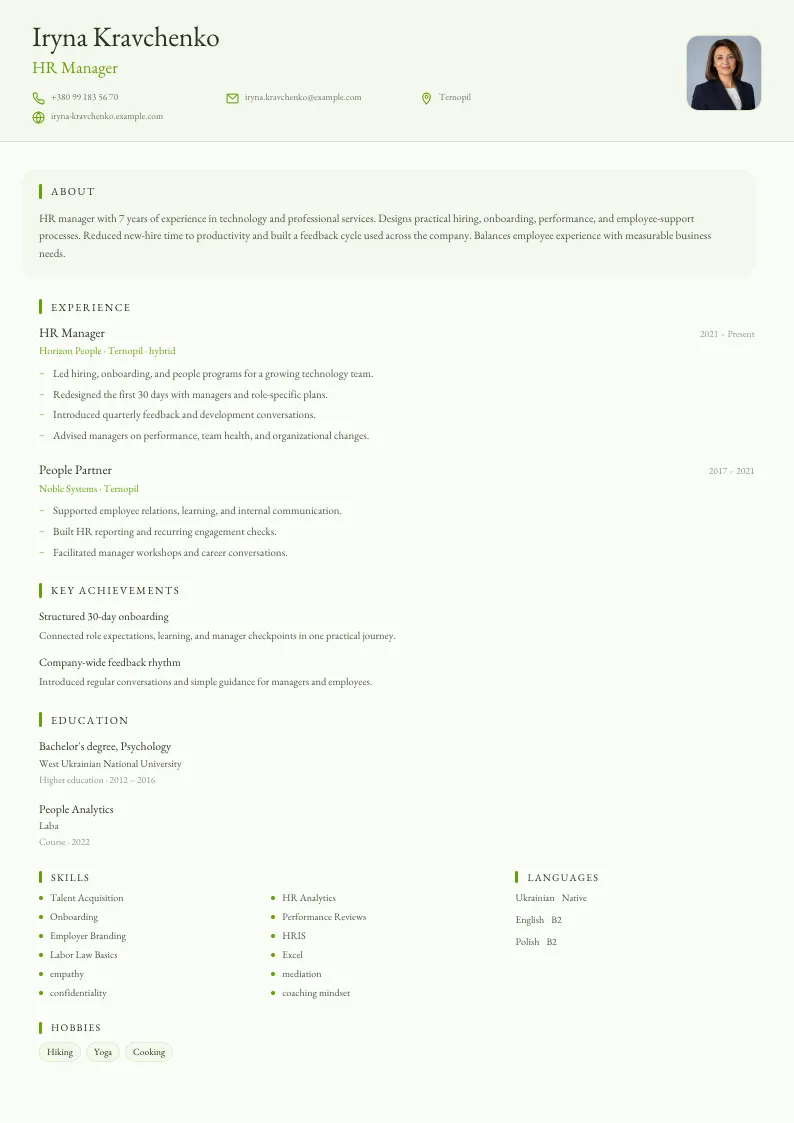
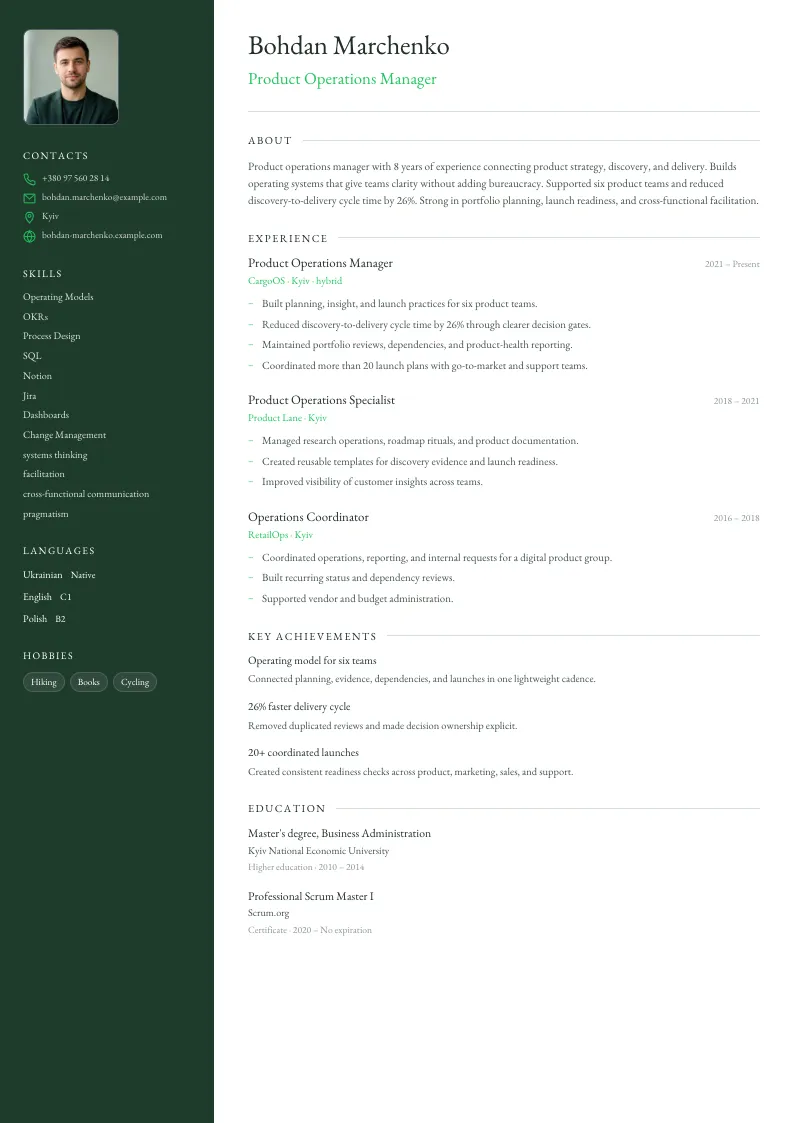
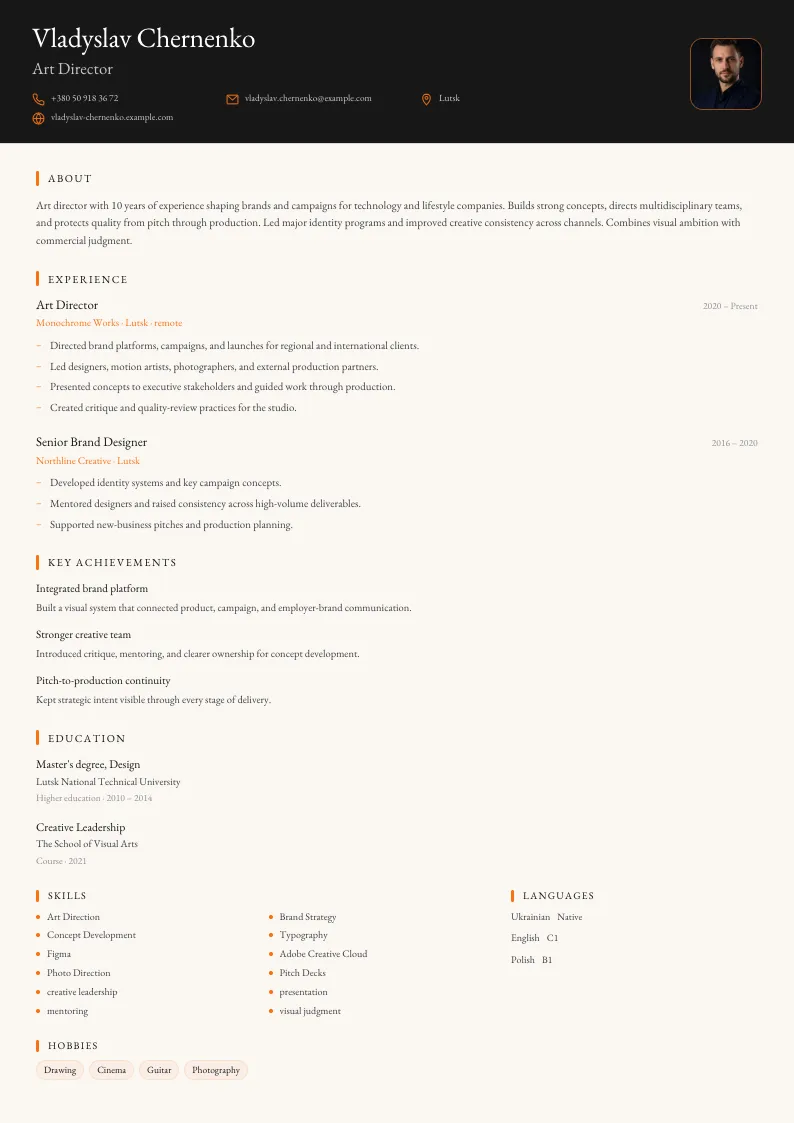
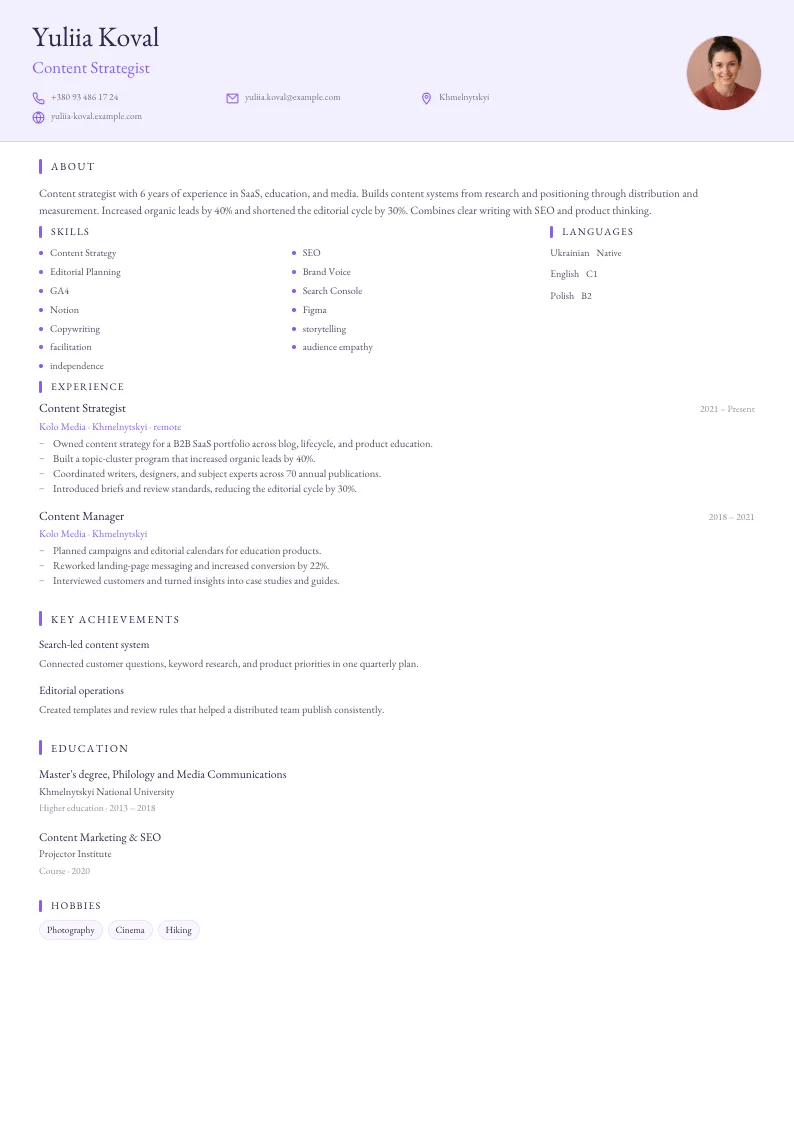
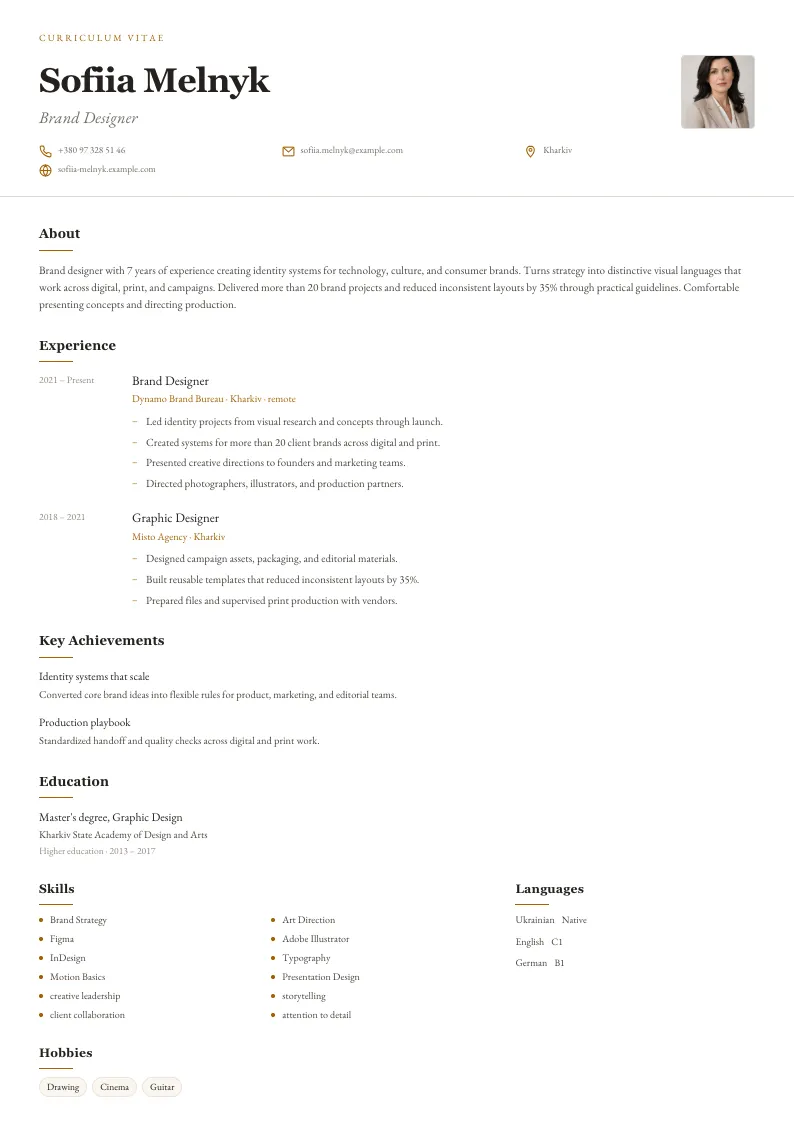
Choose a ready-made resume template, add your details, and prepare a PDF document for applications.
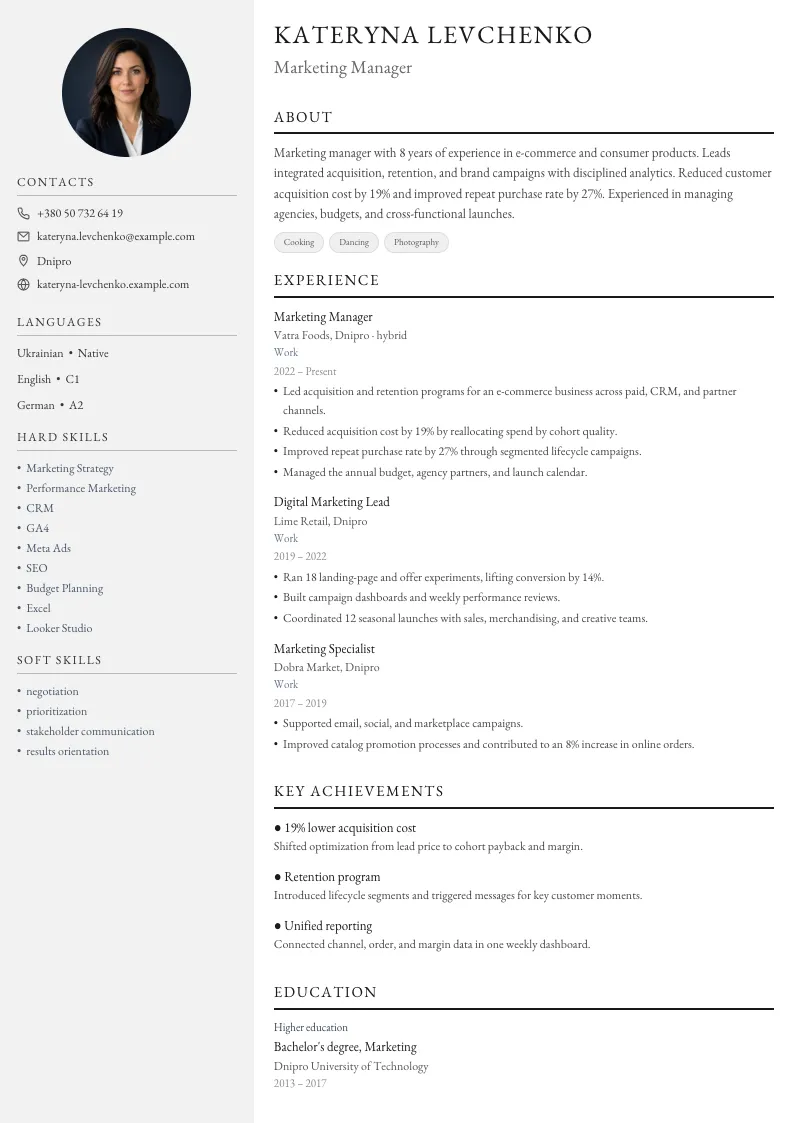
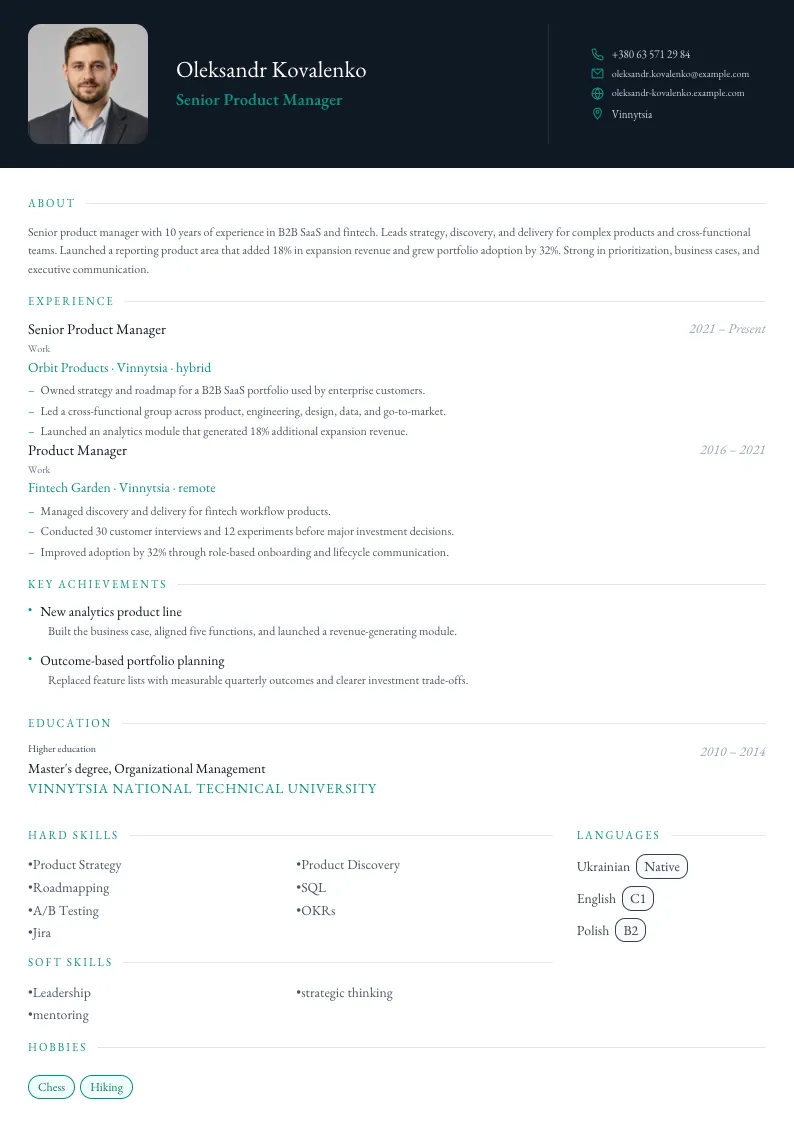
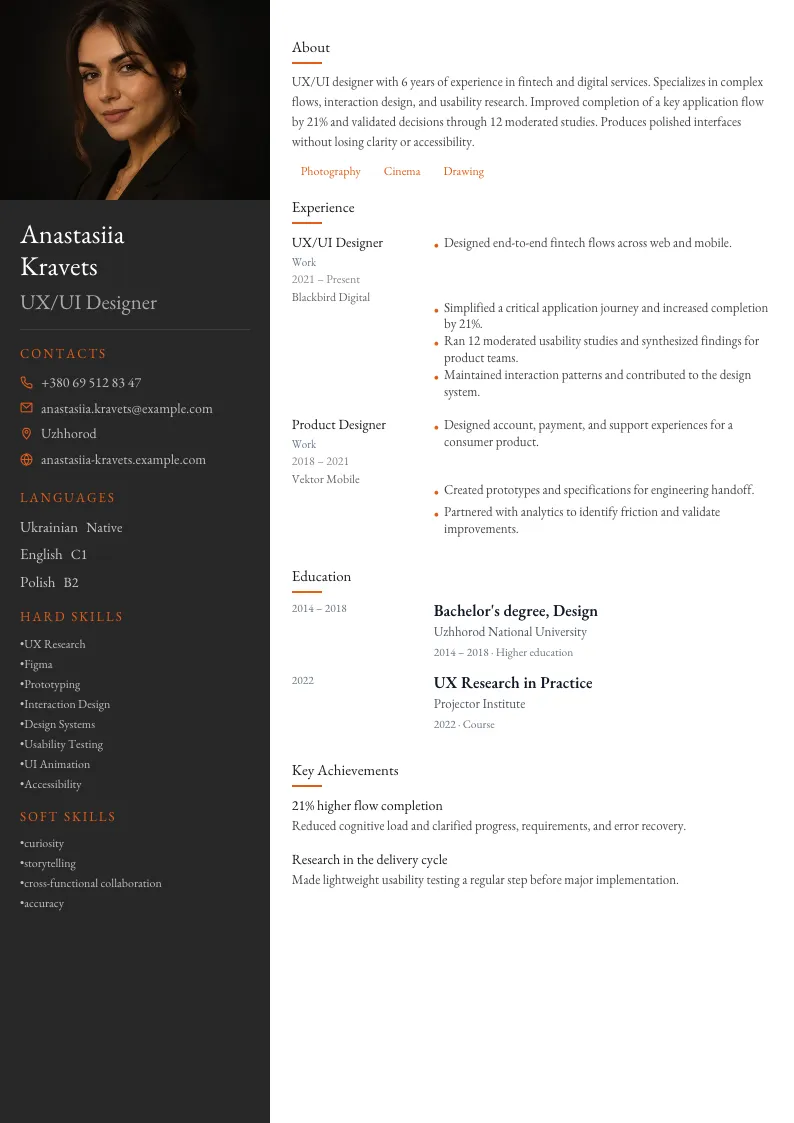
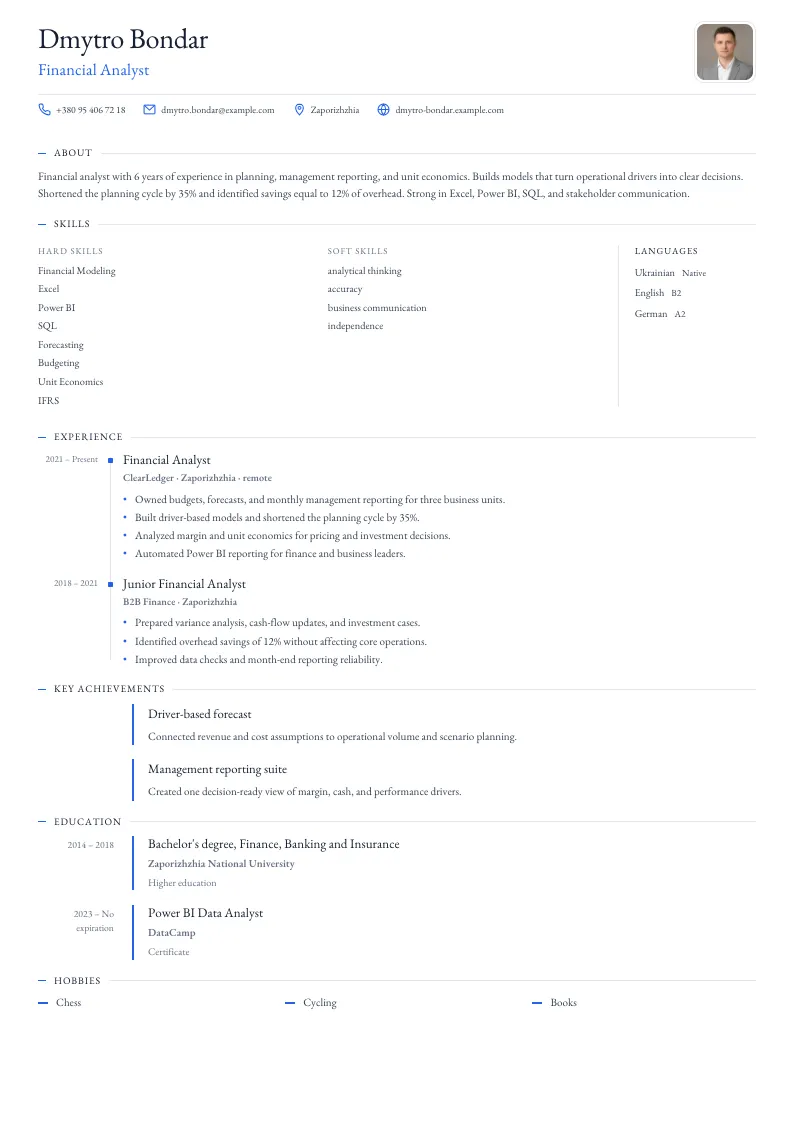
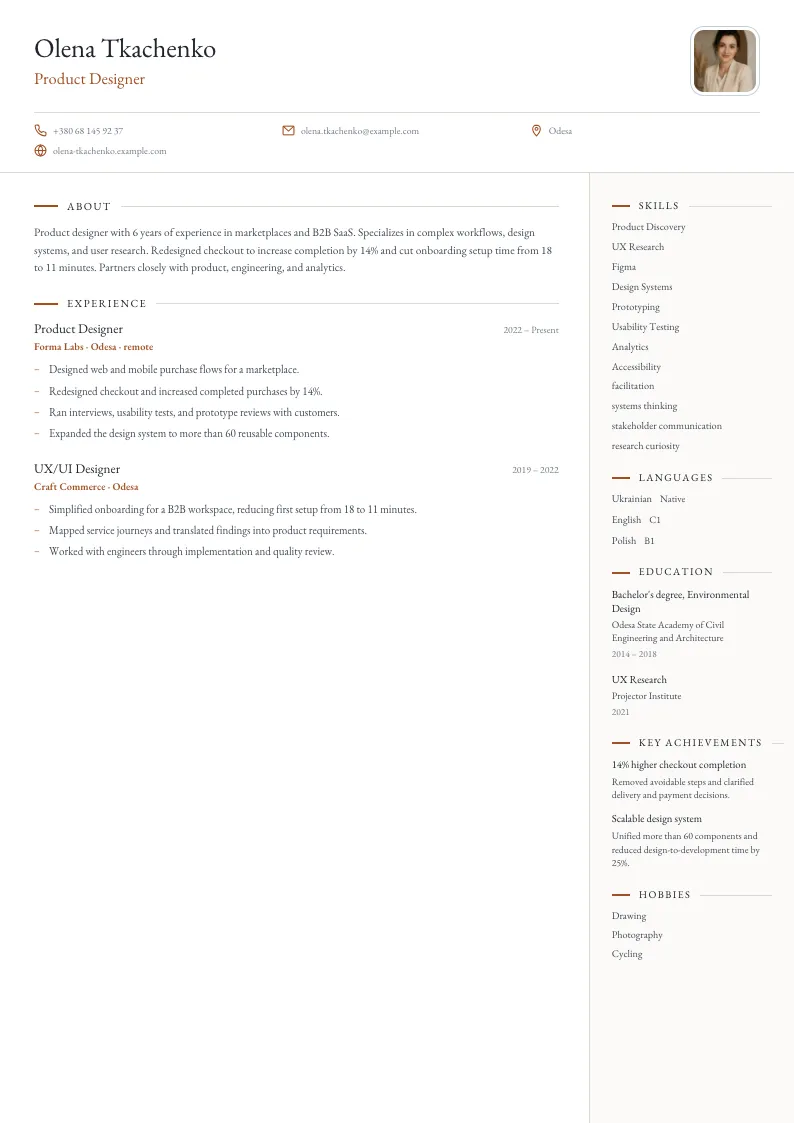
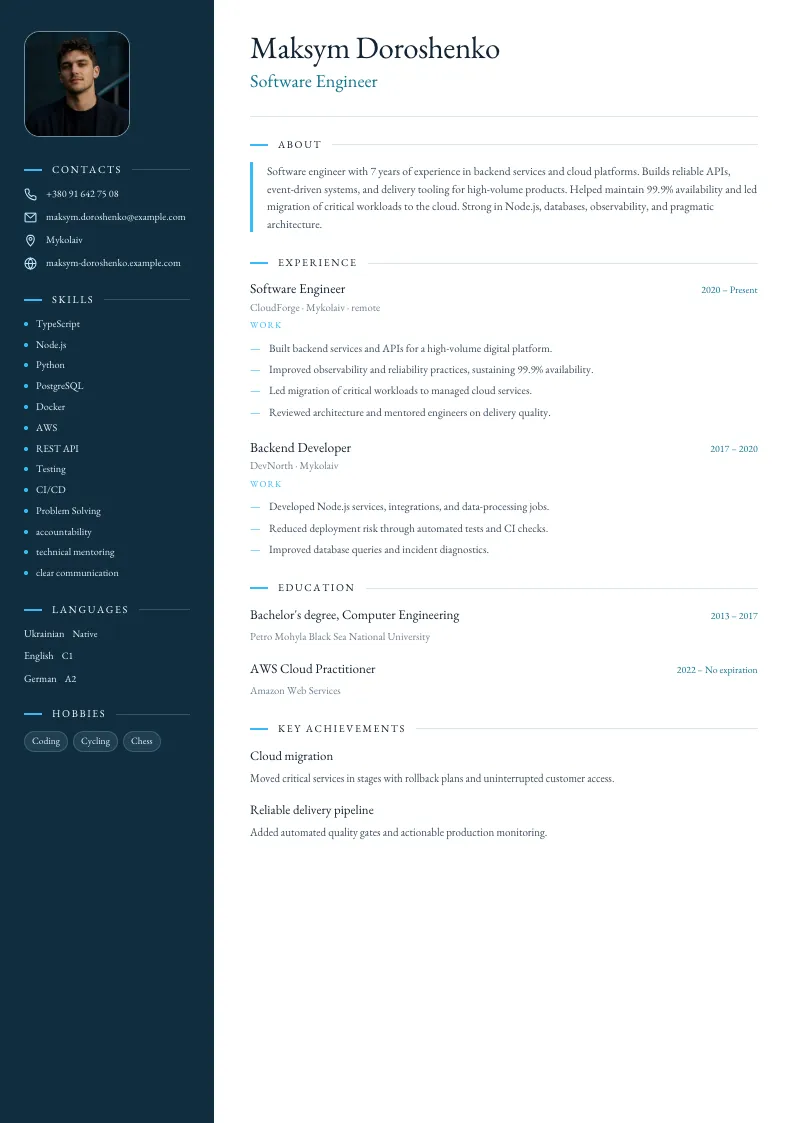
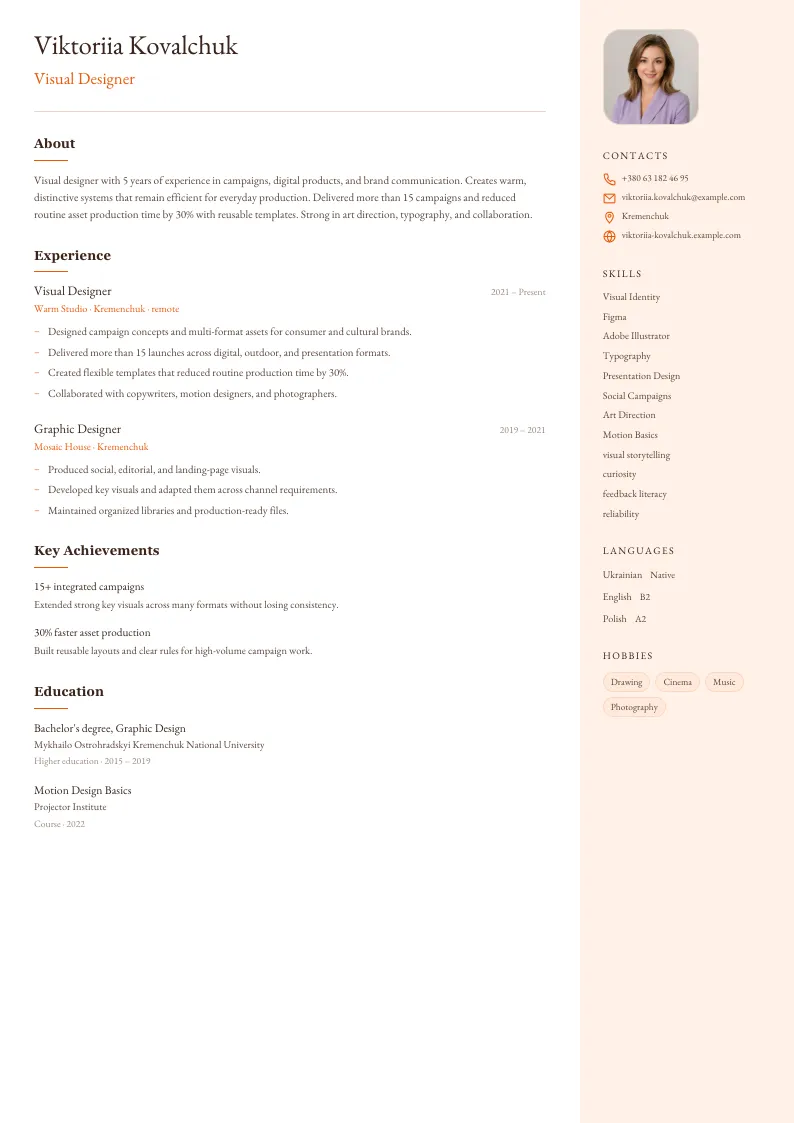
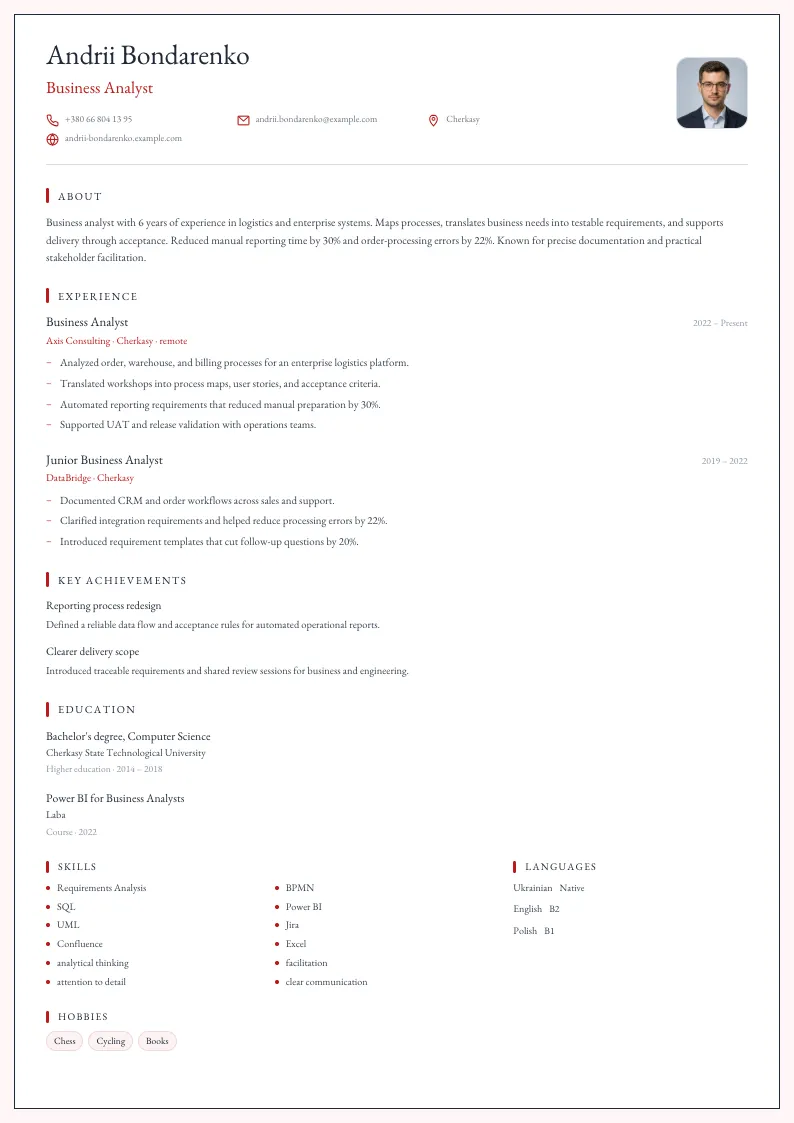
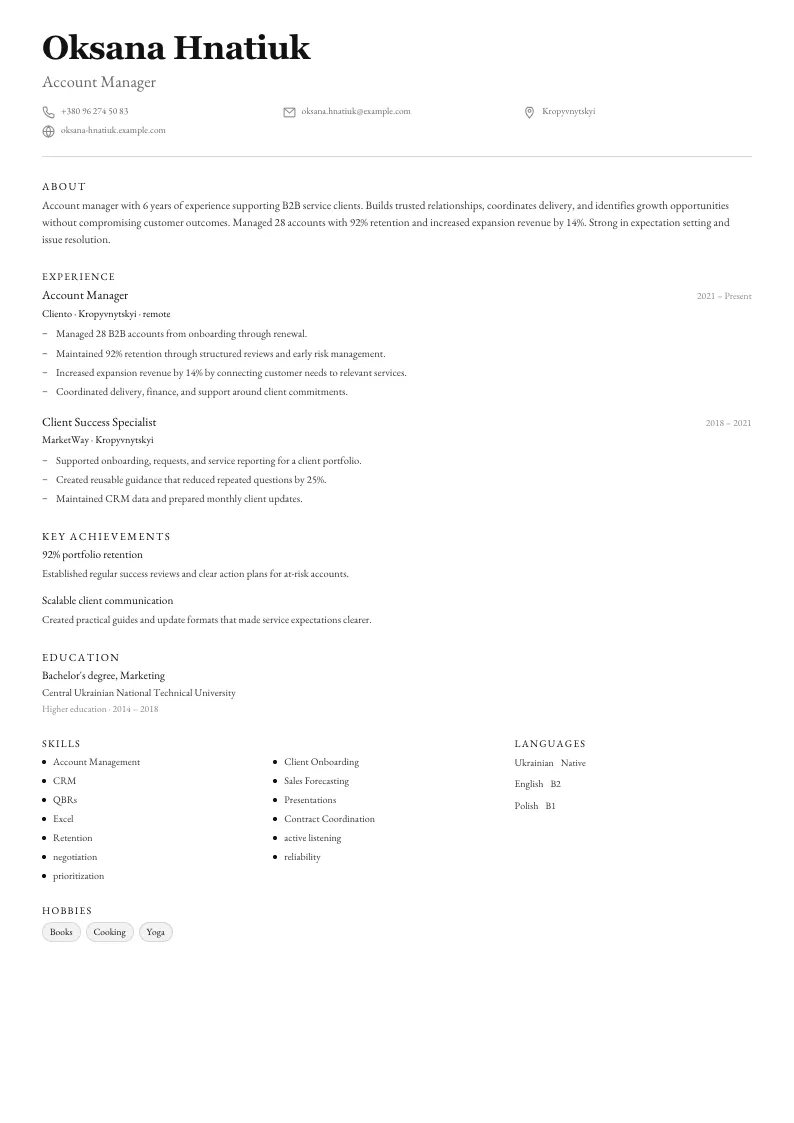
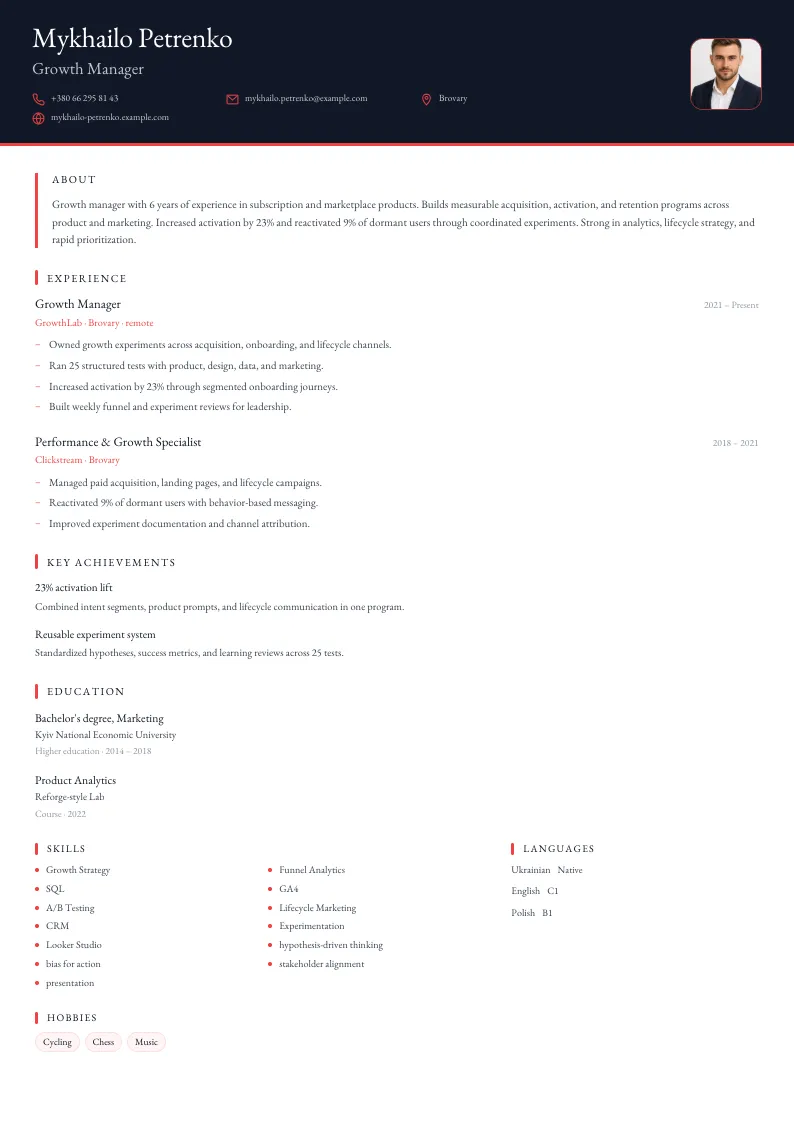
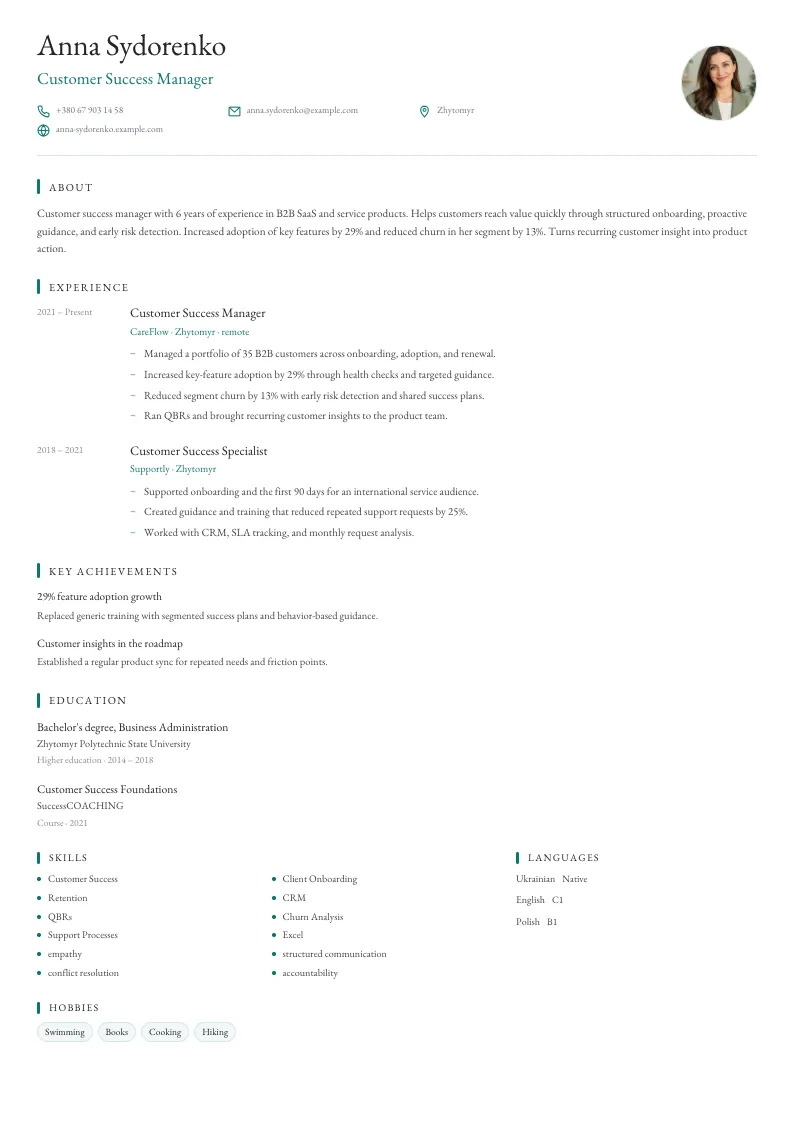
Where can you find resume examples by profession?
Browse pages with advice for specific roles and use them as a starting point for your own document.
What is the Rezume.org.ua online resume builder?
Rezume.org.ua helps you create a professional resume online without extra steps. Fill in the fields, choose a template, use AI hints, and save the result as a PDF.
- Simple online builderContacts, experience, education, skills and extra sections are edited through a simple form.
- Real-time previewYou see how the resume changes while you edit it.
- AI help while you writeThe AI helps you word the key sections faster and present your experience better.
- Clean PDF exportThe finished document keeps its structure, fonts and spacing after export.
How much does it cost and how long does it take to create a resume?
Creating, editing and downloading a PDF resume on Rezume.org.ua costs 0 UAH: no subscription, no hidden payments and no watermarks. With your details at hand, a first version takes about 5–10 minutes, and most of that time goes into describing your experience. One page is enough for most vacancies and up to two for management roles: at the first screening stage a recruiter only skims the resume, so the key points belong at the top.
| 25 | resume templates: ATS-friendly, minimalist, sidebar and creative |
|---|---|
| 32 | pages with resume examples and advice by profession |
| 3 | interface and resume languages: Ukrainian, Russian, English |
| 5–10 min | for a first resume version with your details at hand |
| 0 UAH | to create a resume and export it to PDF |
| 1 page | recommended resume length for most vacancies |
Where can you use the finished resume?
The finished PDF works for applications on popular Ukrainian job sites — Work.ua, Robota.ua and Djinni for IT specialists — and for your LinkedIn profile. Public-sector vacancies and employment support programmes are published by the State Employment Centre of Ukraine. For applications in European Union countries, the standard CV format is described by Europass.
Learn more about the service and the team on the About Rezume.org.ua · Contact: support@rezume.org.ua
What does research say about resumes that recruiters actually read?
The advice in the Rezume.org.ua builder is based on public data about how recruiters and screening systems read resumes. Below are six facts with figures and sources worth checking before you apply for a job.
According to an eye-tracking study by Ladders (2018), recruiters spend an average of 7.4 seconds on the initial resume screen. In that time their eyes move across the name, current title, company names, employment dates and education. That is why every Rezume.org.ua template keeps these details in the top third of the page and lists experience in reverse chronological order: the latest role first, then earlier ones. The study rated resumes with clear headings and short bullet points as easier to read than dense blocks of text.
According to research by Jobscan, more than 97% of Fortune 500 companies use an applicant tracking system (ATS) such as Workday, Greenhouse, Lever or SAP SuccessFactors. These systems parse the resume text before a person ever sees it. All 25 templates keep the text in the PDF as real text rather than an image, so an ATS correctly recognises headings, dates and skills. For international companies, add keywords from the job description verbatim: the job title, tools and certifications.
According to LinkedIn, the network has more than 1 billion members in over 200 countries and regions, so recruiters almost always open a candidate’s profile after reading the resume. If job titles, companies or dates differ, it raises unnecessary questions. Make sure at least 3 things match between your resume and LinkedIn: your current title, the years at each company and your key skills. You can add a profile link to the contacts block of any template.
A practical rule recruiters recommend: 3–5 bullets for each role from the last 10 years, 1–2 lines per bullet and at least one number in each bullet — a percentage, an amount, a client count or a deadline. For example, “cut order processing time by 30% in 6 months” is more convincing than “responsible for orders”. The summary should be 3–4 sentences and the skills list 8–12 items relevant to this specific vacancy. Older experience can be shortened to the company, title and years.
In Google Docs and Microsoft Word, tables and text boxes often shift when exported to PDF, and Canva designs frequently store text as graphics that an ATS cannot read. In the Rezume.org.ua builder your resume data is stored separately from the design: you can switch between 25 templates in 1 click without retyping anything, and the A4 PDF looks exactly like the preview. Ready-made examples for 32 popular professions give you a starting point.
CV expectations depend on the country. In the European Union the reference format is Europass, used across all 27 EU member states. In Germany and Austria a photo is still often expected, while in the UK, the USA and Canada a photo, date of birth and marital status are usually left out because of anti-discrimination rules. For international companies, write the whole resume in English: the builder supports 3 languages, so you can keep Ukrainian, Russian and English versions side by side.
How do you create a resume online in 4 steps?
Rezume.org.ua is a job search service for Ukraine and abroad with a free online resume builder and an AI assistant. To create a resume, pick one of 25 templates, fill in your contacts, experience, education, skills and languages in a simple form, and download a finished PDF with no watermarks. A first version usually takes 5–10 minutes. The AI helps you word your experience and achievements, tailor the resume to a specific vacancy and draft a cover letter, while ATS-friendly layouts stay readable for automated screening systems. The builder works in Ukrainian, Russian and English, and the resume is ready for applications on Work.ua, Robota.ua and LinkedIn.
How do you make a free resume online: what the builder does, what to include and which mistakes to avoid?
Resumes are read fast — a few dozen seconds at the first screening stage. So the goal is not to write a lot, but to show relevant experience and a clear structure immediately. An online builder takes the formatting work off your hands: you fill in the fields, and the service assembles a document with correct spacing, fonts and section order, ready to export as a PDF.
- A structure instead of a blank page — No guessing which sections you need or what order they go in. The fields follow the order a recruiter expects: contacts, profile, experience, education, skills, languages.
- Live preview — The resume rebuilds as you type, so you can see whether the experience fits on one page and how the whole document looks before you save it.
- AI help while you write — Wording the experience is the hard part. The AI helps turn "was responsible for" into a concrete line with an action and a result — it assists rather than writes the resume for you.
- PDF export with no watermarks — The finished file keeps its structure, fonts and spacing. PDF opens correctly on the employer's side and does not shift on a different computer.
- Contacts and the target role — Phone, email, city — and the specific position you are applying for. A resume without a stated role makes the recruiter guess, and it usually gets set aside.
- A profile of three or four sentences — Your field, years of experience, your strongest result and what you are looking for. This is the one block read in full, so generic claims about being responsible are wasted here.
- Experience with numbers — For each job: role, company, dates and three to five lines about what changed because of you. Sales volume, client count, deadlines, budget — any number makes the line checkable.
- Skills matched to the vacancy — List what the posting asks for and what you genuinely have. A long list of everything you have ever touched reads as an attempt to fill space.
- Education, courses and languages — For experienced candidates the institution and field are enough. Add courses relevant to the role, and state language levels honestly — they get tested at the interview.
- Links to your work — Portfolio, GitHub, LinkedIn or published pieces. For creative and technical roles one working link carries more weight than a paragraph of description.
- One resume for every vacancy — Changing the job title and reordering the experience lines for a specific posting takes minutes and noticeably changes the response rate.
- Duties instead of results — "Handled sales" is a job description. "Hit 120% of target for a year" is experience. The difference is whether the claim can be verified.
- Three pages instead of one — One page suits most roles, two suit management positions. Anything unrelated to the vacancy works against you by pushing what matters further down.
- Complex layouts that ATS cannot read — Tables, columns and graphics are often lost in automated screening. A simple layout is safer: both a person and a parser read it the same way.
- Empty or outdated contacts — An old number or an email from a long-abandoned nickname is the simplest reason to get no reply. Check this block before every application.
What do people ask most about the resume builder?
Short answers to common questions before creating a resume online.
Ready to create your resume?
Choose a template, fill in the form, and prepare a PDF you can send to employers today.
Create resume nowFree · No registration · PDF